
Note: This feature is only available to users with administrator privileges. For more information please see the article User Roles and Permissions.
Locations that inventory can be moved from or to can be edited in the Warehouse Mobile app.
|
|
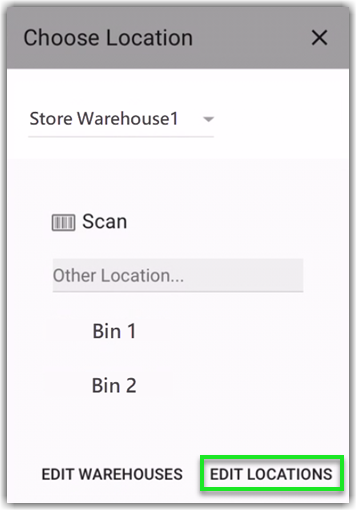
To add, remove, or edit locations tap the "From" or "To" box and select Edit Locations. |
How To:
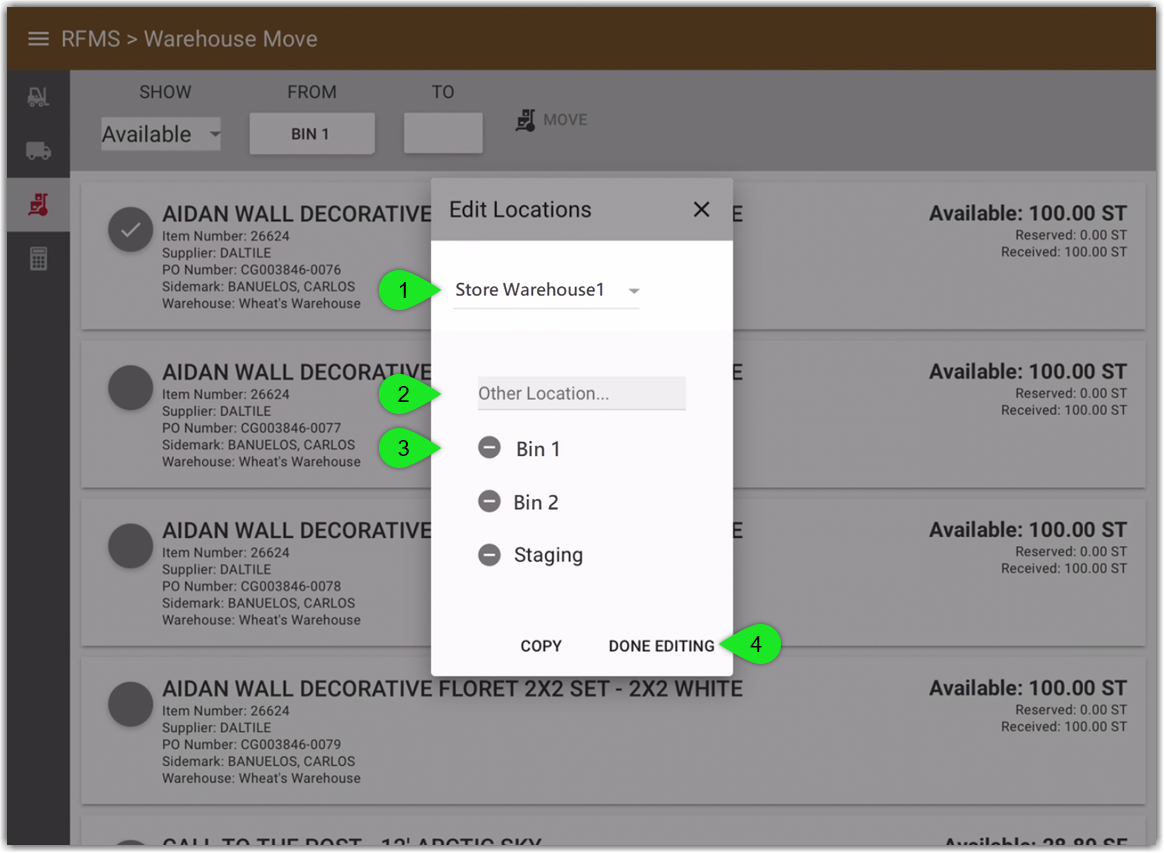
- Select a warehouse from the dropdown to view included locations (This is only available when editing under "From". Editing locations under "To" will list locations based on the warehouse selected under "From".)
- Enter a new location
- Delete a location by taping the delete button
- Tap Done Editing to save changes
Comments
Please sign in to leave a comment.